5.83" 648x480 Monochrome Black / White eInk / ePaper - Bare Display - UC8179
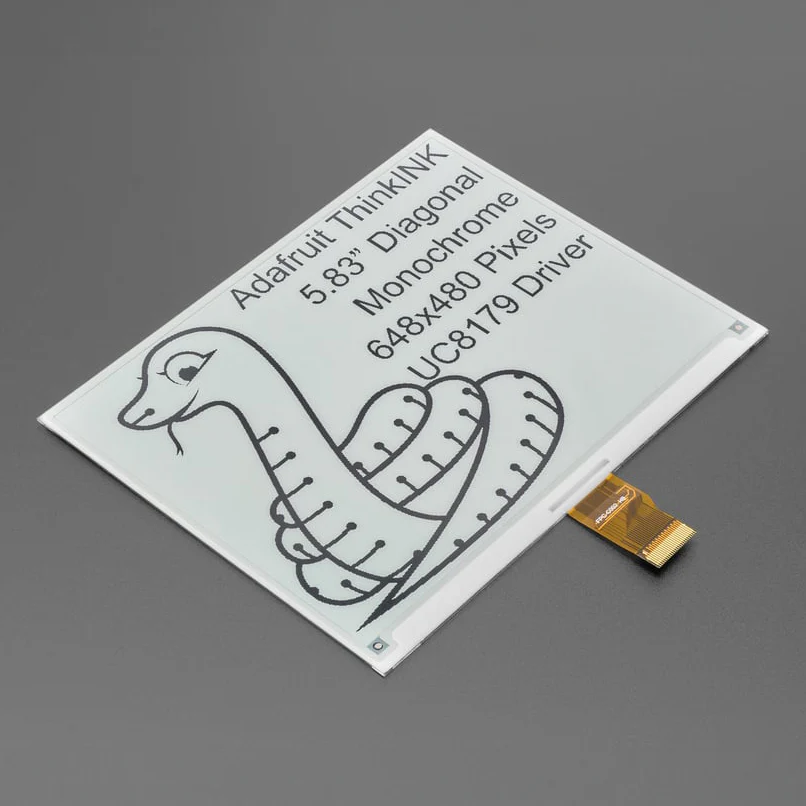
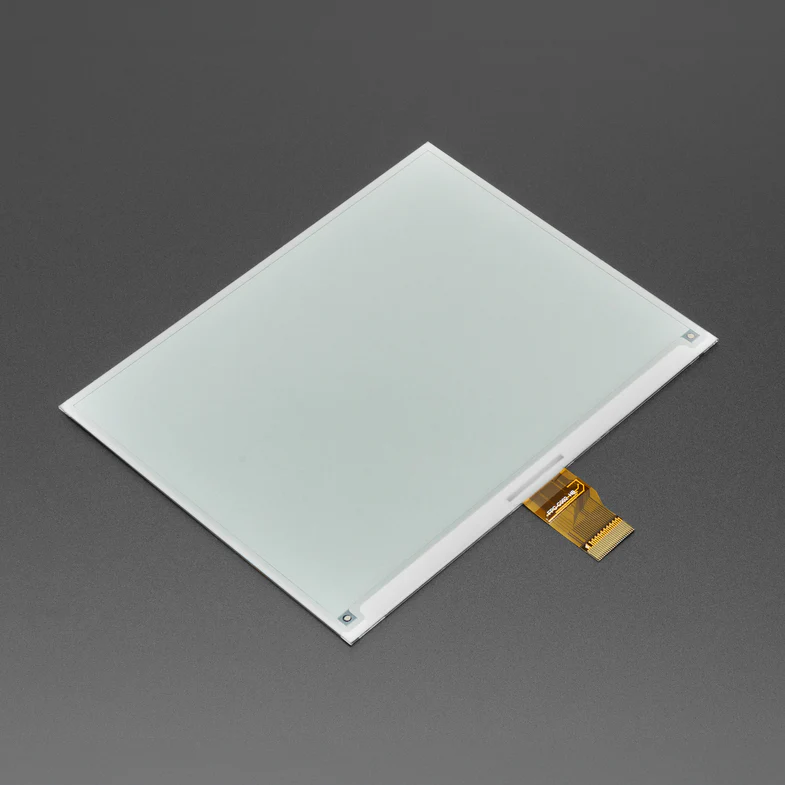
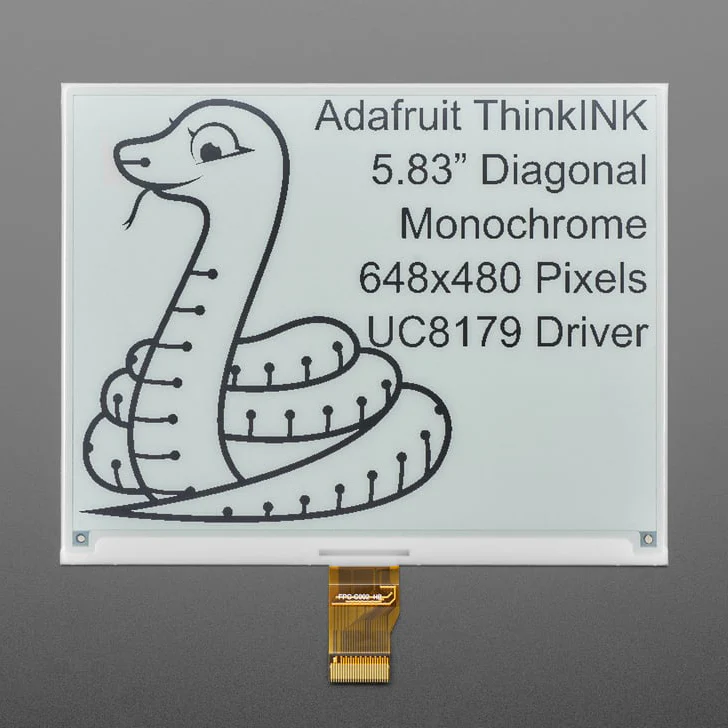
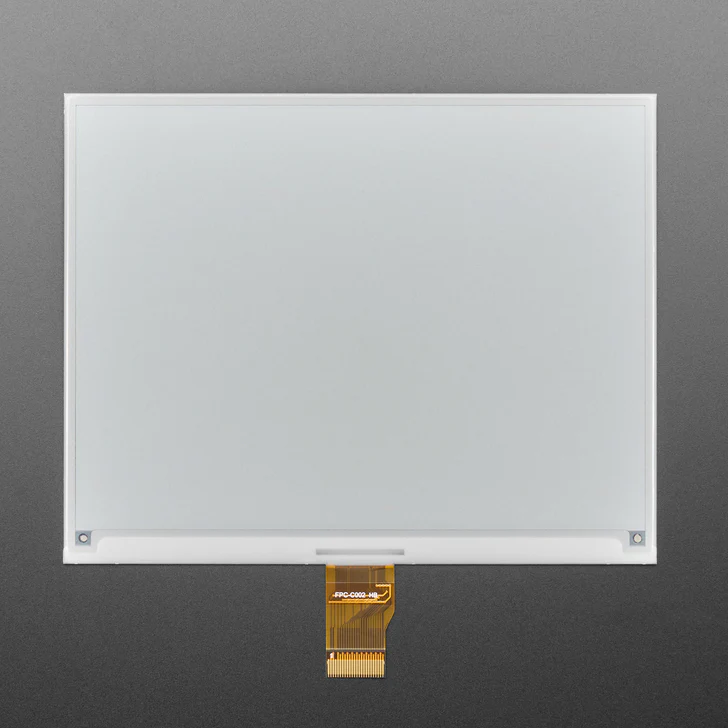
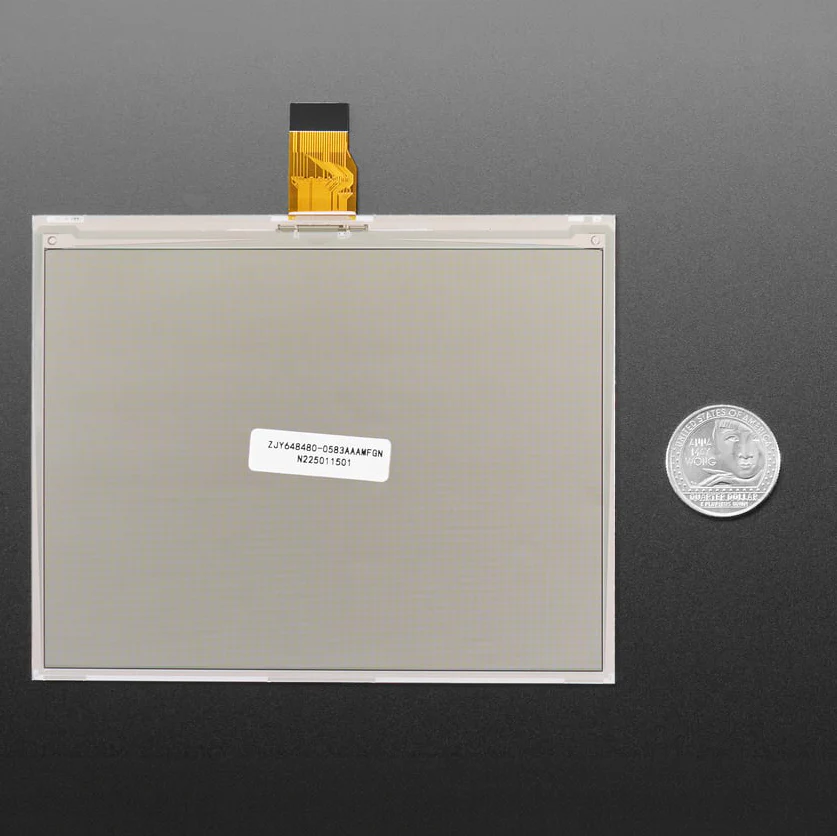
For folks who want to DIY their own E-Ink setups, this is a 5.83" Monochrome Black/White EPD - Bare Display.
E-Ink/E-Paper displays make for great low-power displays that are daylight visible and keep their image even when depowered.
Chances are you've seen one of those new-fangled 'e-readers' like the Kindle or Nook. They have gigantic electronic paper 'static' displays - that means the image stays on the display even when power is completely disconnected. The image is also high contrast and very daylight readable. It really does look just like printed paper!
Please note: this is the bare display element. You need to plug it into a board with a 'standard' 24-pin FPC e-paper connector. We recommend checking out and picking up a matching driver board:
- Feather RP2040 ThinkInk - solderless plug-and-play solution with Arduino or CircuitPython support. Definitely the easiest way to get started, and is what we show in the demo above
- eInk Feather Friend - FeatherWing add-on for any Feather board)
-
eInk Breakout Friend - breadboard-friendly adapter that gives you level-shifting and components for quick eInk connectivity.
- 24-pin eInk / ePaper Extension Cable + 24-pin FPC adapter - both together will give your eInk display a stretch so you can place it anywhere.
This is a 5.83" Monochrome Black/White Display. It has 648x480 black ink pixels and a white-ish background. It uses the UC8179 chipset, so make sure whatever firmware code you are planning to use has support for it. The Arduino library we wrote does all the work for you; you can just interface with it as if it were an Adafruit_GFX compatible display.
Despite having only monochromatic pixels, it's possible to get nice-looking graphics on eInk displays: Check out our guide on dithering for how to get the best output from these panels.
Technical Details
- Datasheet


Learn
-
Primary Guide: Bare E-Ink Displays Crash Course
What's the deal with all of these eInk displays?
- See All Guides
Product Information
Product Information
Shipping & Returns
Shipping & Returns
5.83" 648x480 Monochrome Black / White eInk / ePaper - Bare Display - UC8179
5.83" 648x480 Monochrome Black / White eInk / ePaper - Bare Display - UC8179
For folks who want to DIY their own E-Ink setups, this is a 5.83" Monochrome Black/White EPD - Bare Display.
E-Ink/E-Paper displays make for great low-power displays that are daylight visible and keep their image even when depowered.
Chances are you've seen one of those new-fangled 'e-readers' like the Kindle or Nook. They have gigantic electronic paper 'static' displays - that means the image stays on the display even when power is completely disconnected. The image is also high contrast and very daylight readable. It really does look just like printed paper!
Please note: this is the bare display element. You need to plug it into a board with a 'standard' 24-pin FPC e-paper connector. We recommend checking out and picking up a matching driver board:
- Feather RP2040 ThinkInk - solderless plug-and-play solution with Arduino or CircuitPython support. Definitely the easiest way to get started, and is what we show in the demo above
- eInk Feather Friend - FeatherWing add-on for any Feather board)
-
eInk Breakout Friend - breadboard-friendly adapter that gives you level-shifting and components for quick eInk connectivity.
- 24-pin eInk / ePaper Extension Cable + 24-pin FPC adapter - both together will give your eInk display a stretch so you can place it anywhere.
This is a 5.83" Monochrome Black/White Display. It has 648x480 black ink pixels and a white-ish background. It uses the UC8179 chipset, so make sure whatever firmware code you are planning to use has support for it. The Arduino library we wrote does all the work for you; you can just interface with it as if it were an Adafruit_GFX compatible display.
Despite having only monochromatic pixels, it's possible to get nice-looking graphics on eInk displays: Check out our guide on dithering for how to get the best output from these panels.
Technical Details
- Datasheet
Learn
-
Primary Guide: Bare E-Ink Displays Crash Course
What's the deal with all of these eInk displays?
- See All Guides
Original: $52.26
-65%$52.26
$18.29Product Information
Product Information
Shipping & Returns
Shipping & Returns
Description
For folks who want to DIY their own E-Ink setups, this is a 5.83" Monochrome Black/White EPD - Bare Display.
E-Ink/E-Paper displays make for great low-power displays that are daylight visible and keep their image even when depowered.
Chances are you've seen one of those new-fangled 'e-readers' like the Kindle or Nook. They have gigantic electronic paper 'static' displays - that means the image stays on the display even when power is completely disconnected. The image is also high contrast and very daylight readable. It really does look just like printed paper!
Please note: this is the bare display element. You need to plug it into a board with a 'standard' 24-pin FPC e-paper connector. We recommend checking out and picking up a matching driver board:
- Feather RP2040 ThinkInk - solderless plug-and-play solution with Arduino or CircuitPython support. Definitely the easiest way to get started, and is what we show in the demo above
- eInk Feather Friend - FeatherWing add-on for any Feather board)
-
eInk Breakout Friend - breadboard-friendly adapter that gives you level-shifting and components for quick eInk connectivity.
- 24-pin eInk / ePaper Extension Cable + 24-pin FPC adapter - both together will give your eInk display a stretch so you can place it anywhere.
This is a 5.83" Monochrome Black/White Display. It has 648x480 black ink pixels and a white-ish background. It uses the UC8179 chipset, so make sure whatever firmware code you are planning to use has support for it. The Arduino library we wrote does all the work for you; you can just interface with it as if it were an Adafruit_GFX compatible display.
Despite having only monochromatic pixels, it's possible to get nice-looking graphics on eInk displays: Check out our guide on dithering for how to get the best output from these panels.
Technical Details
- Datasheet
Learn
-
Primary Guide: Bare E-Ink Displays Crash Course
What's the deal with all of these eInk displays?
- See All Guides